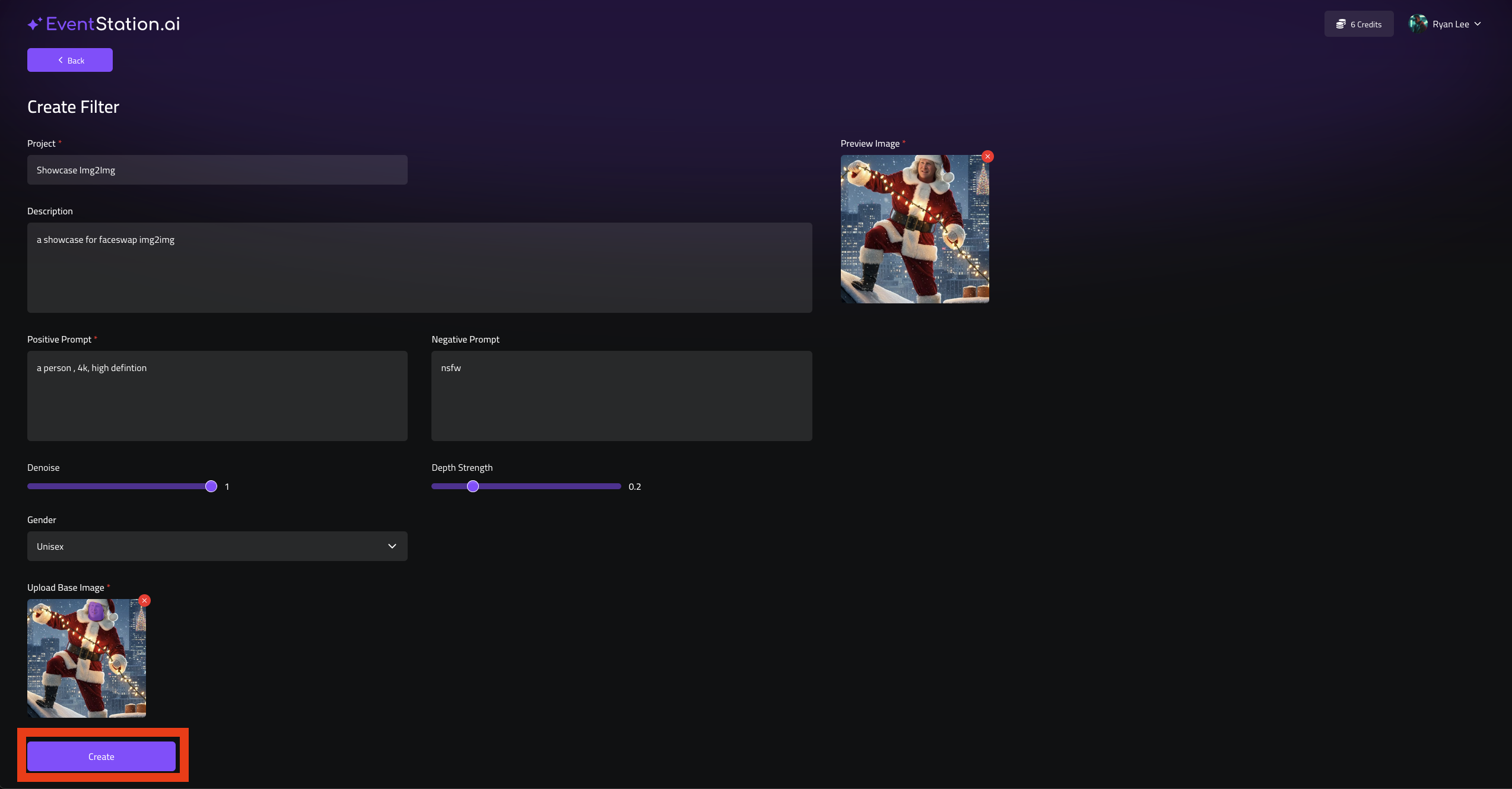
Faceswap Img2Img
This is a quick guide for Creating a new Faceswap img2img Filter.
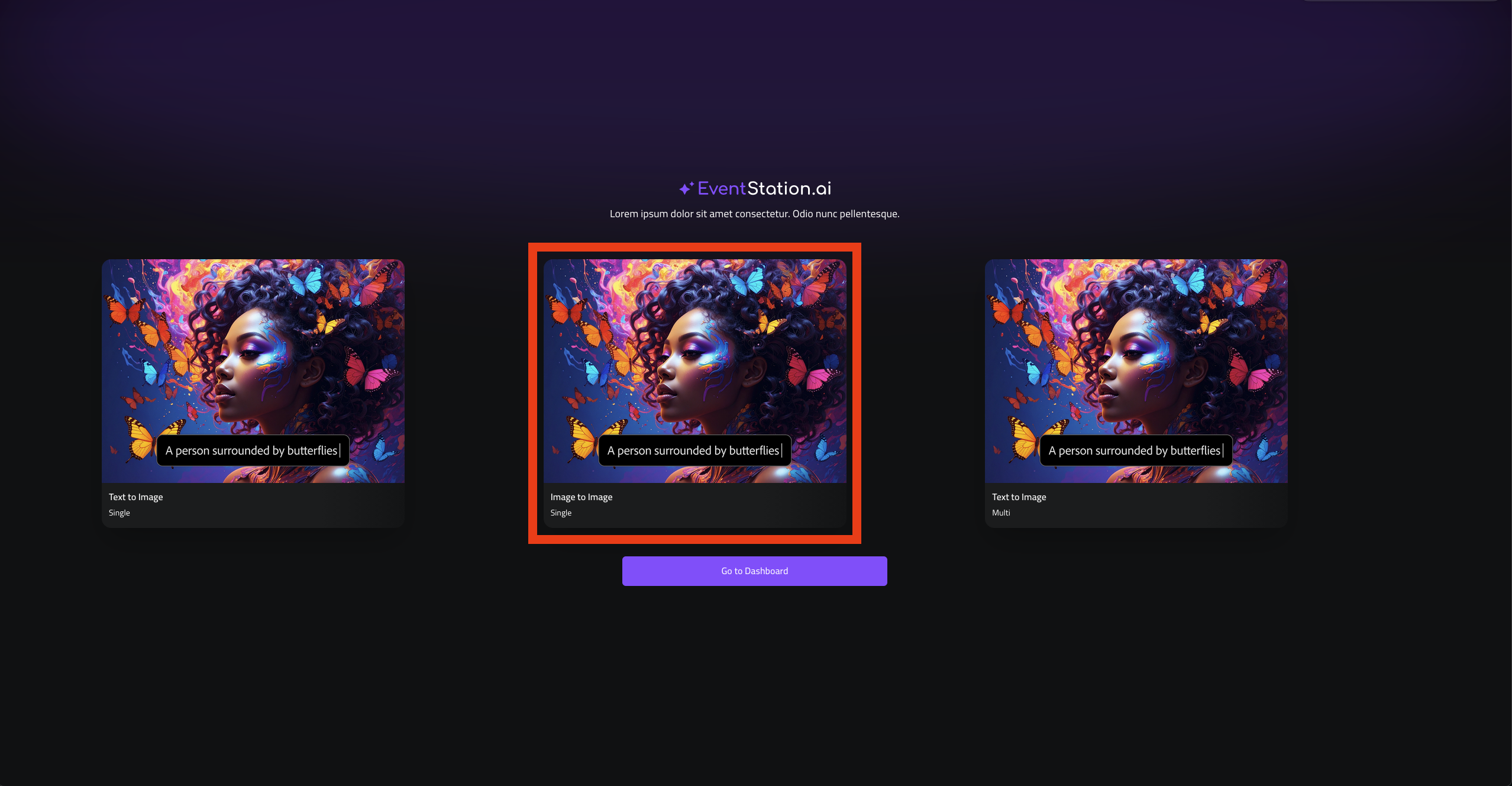
1. Go to filter-creator.eventstation.ai and select “Image to Image”
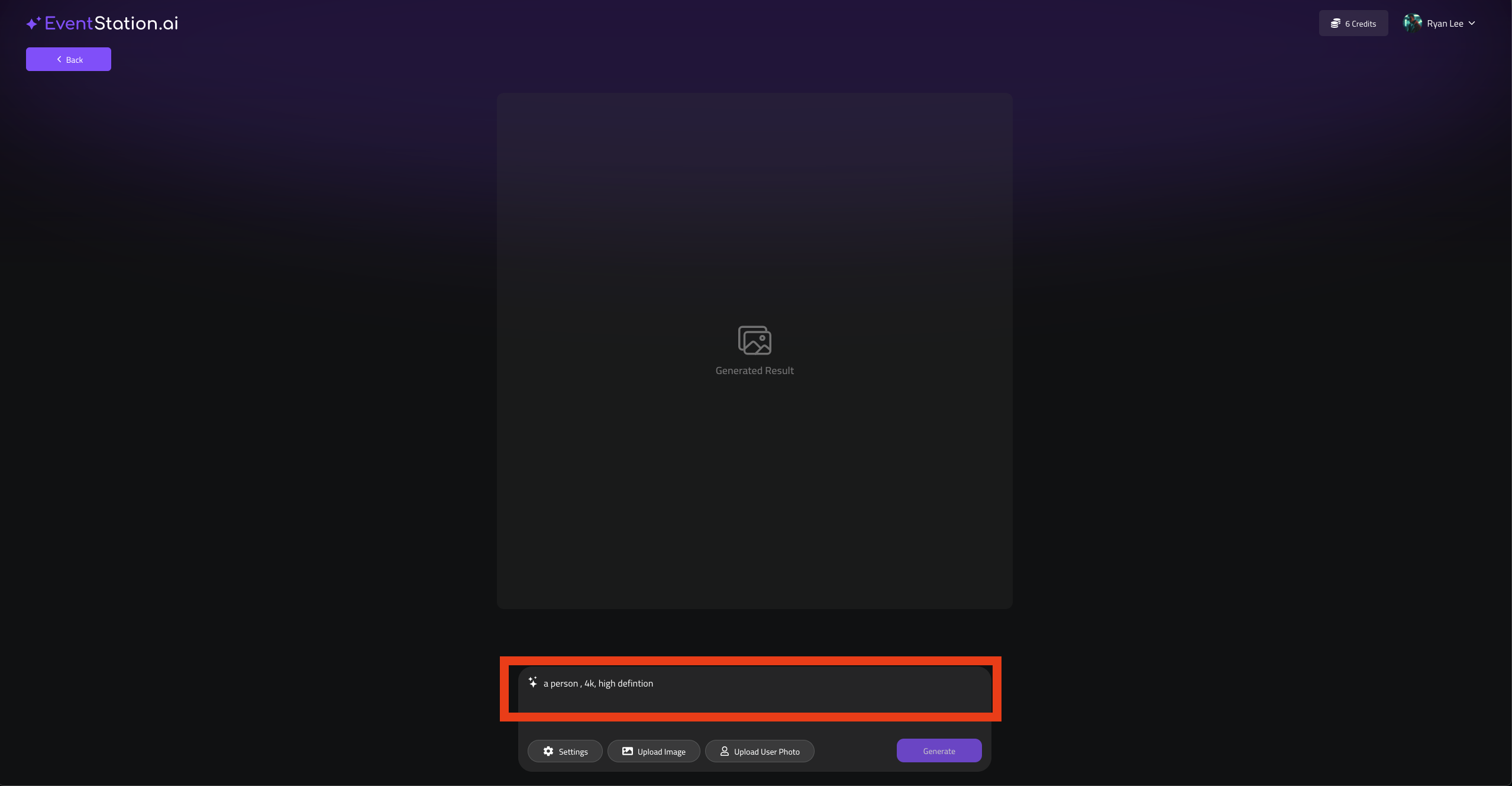
2. Enter a prompt
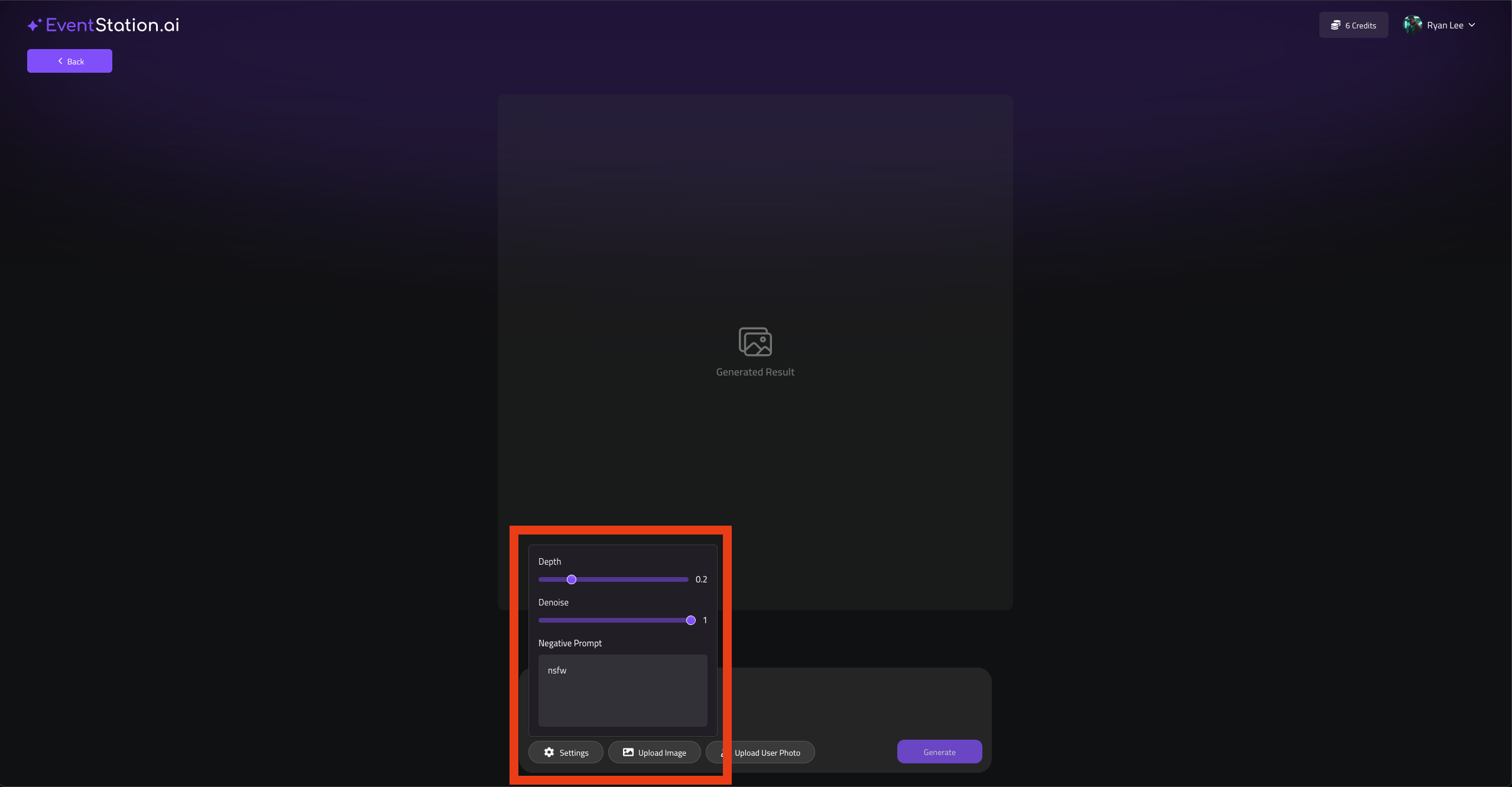
3. Adjust your Settings
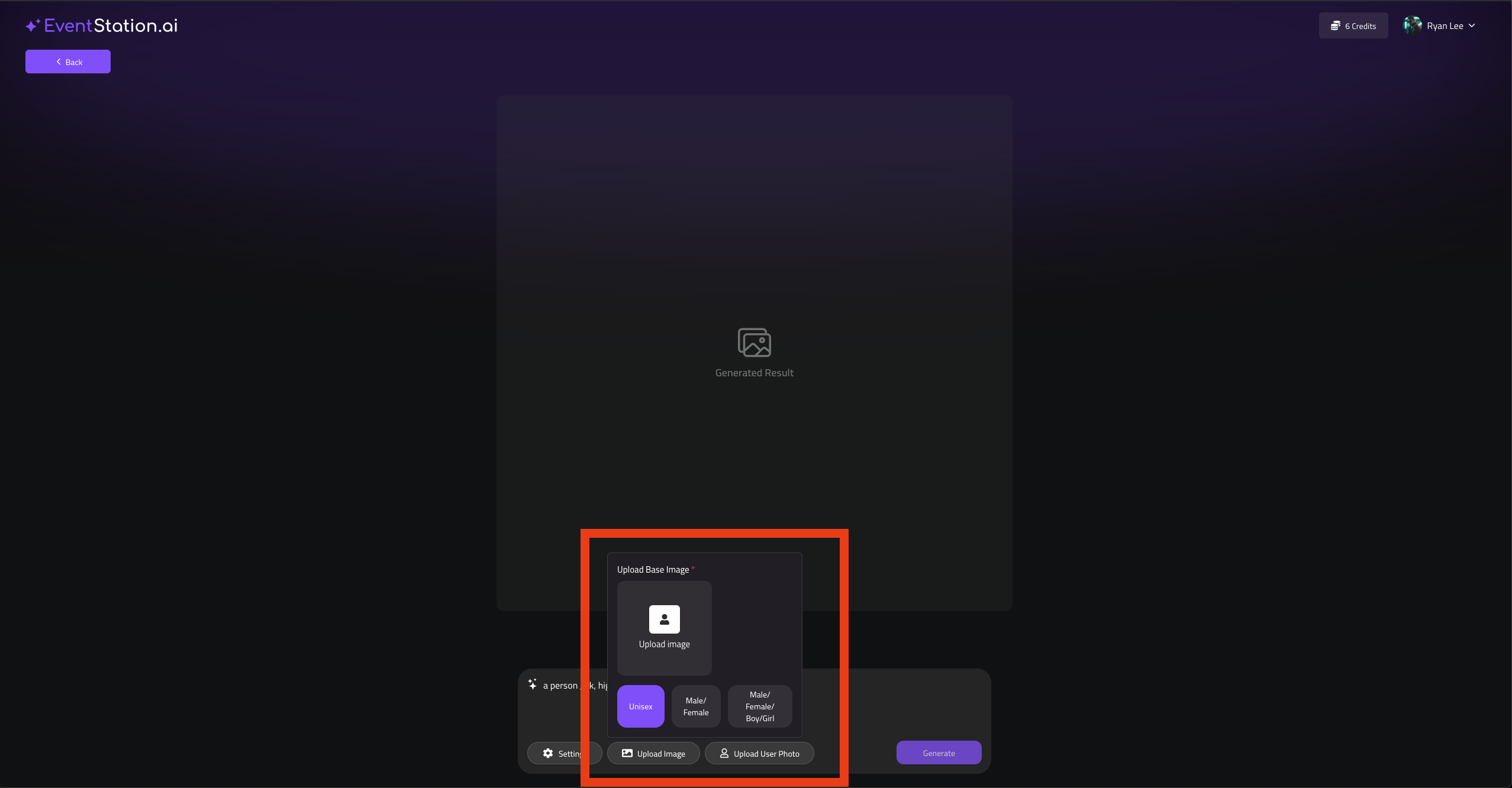
4. Upload an Reference Image for further Processing
Note: Select the genders you want to have available and upload a reference for each one of them.
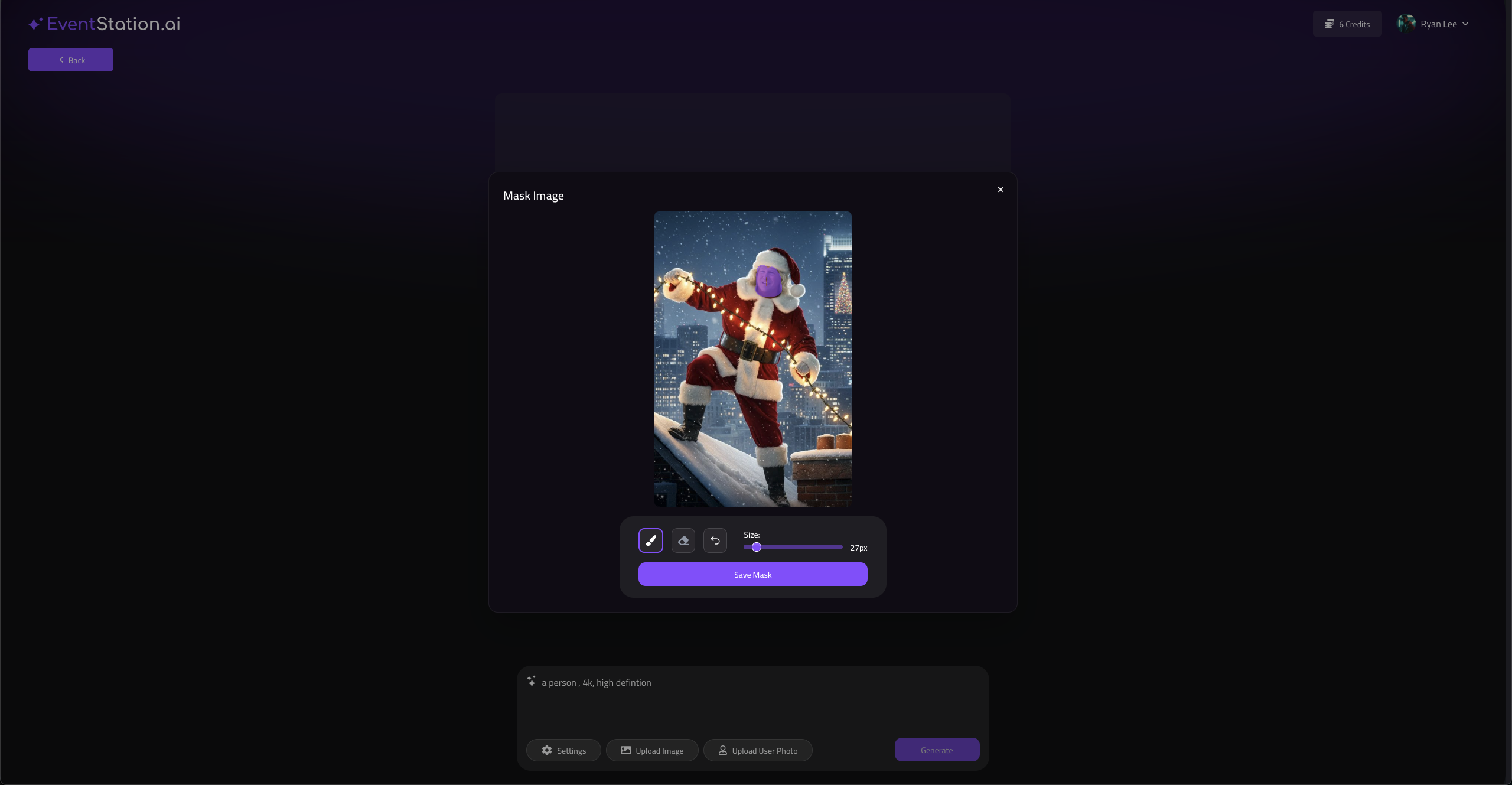
5. You will see a pop up where you should mask the areas of the image which should be regenerated aligned with your Prompt, if you are satisfied, Save Mask
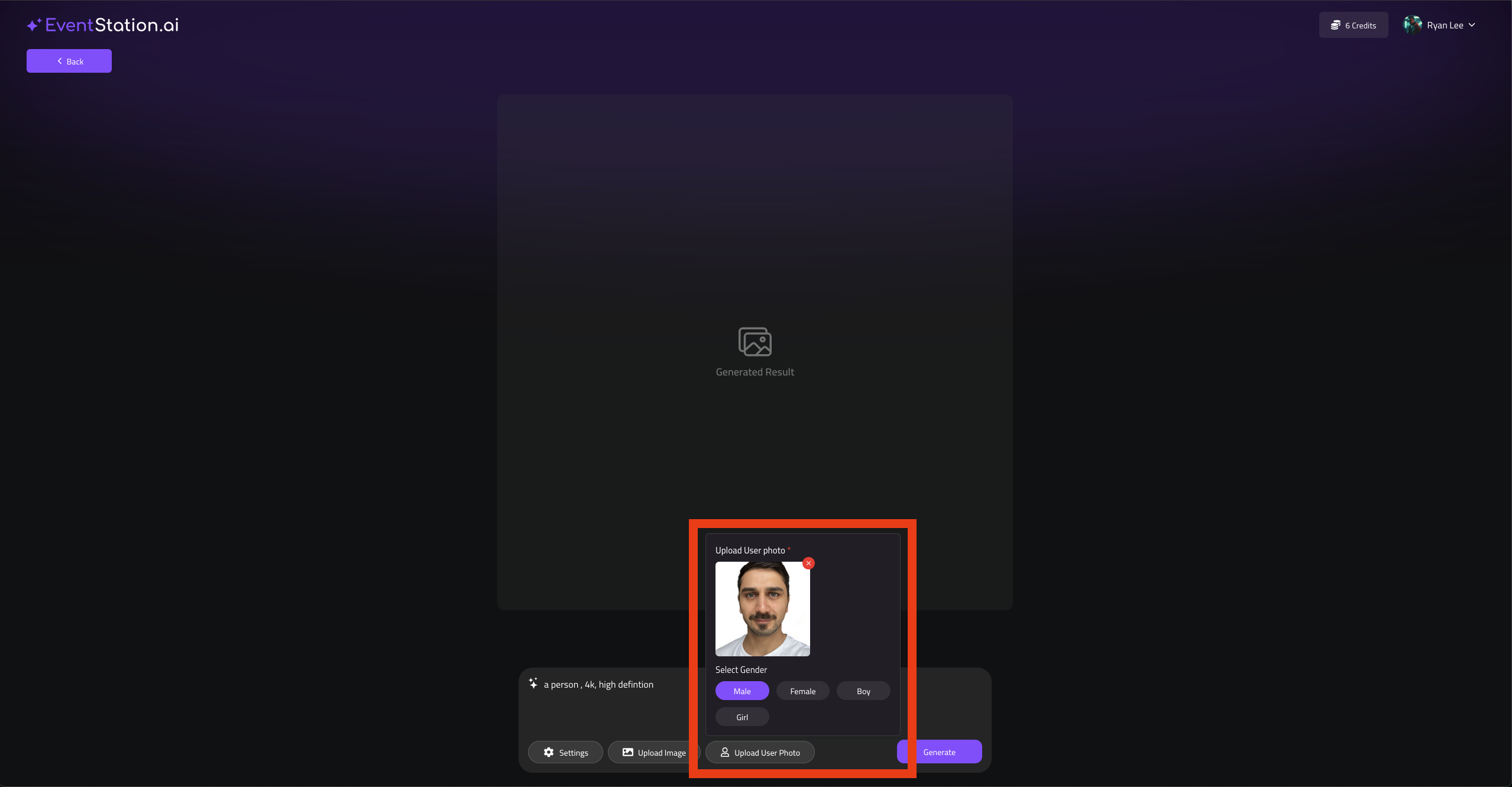
6. Upload a User Input Image for generation
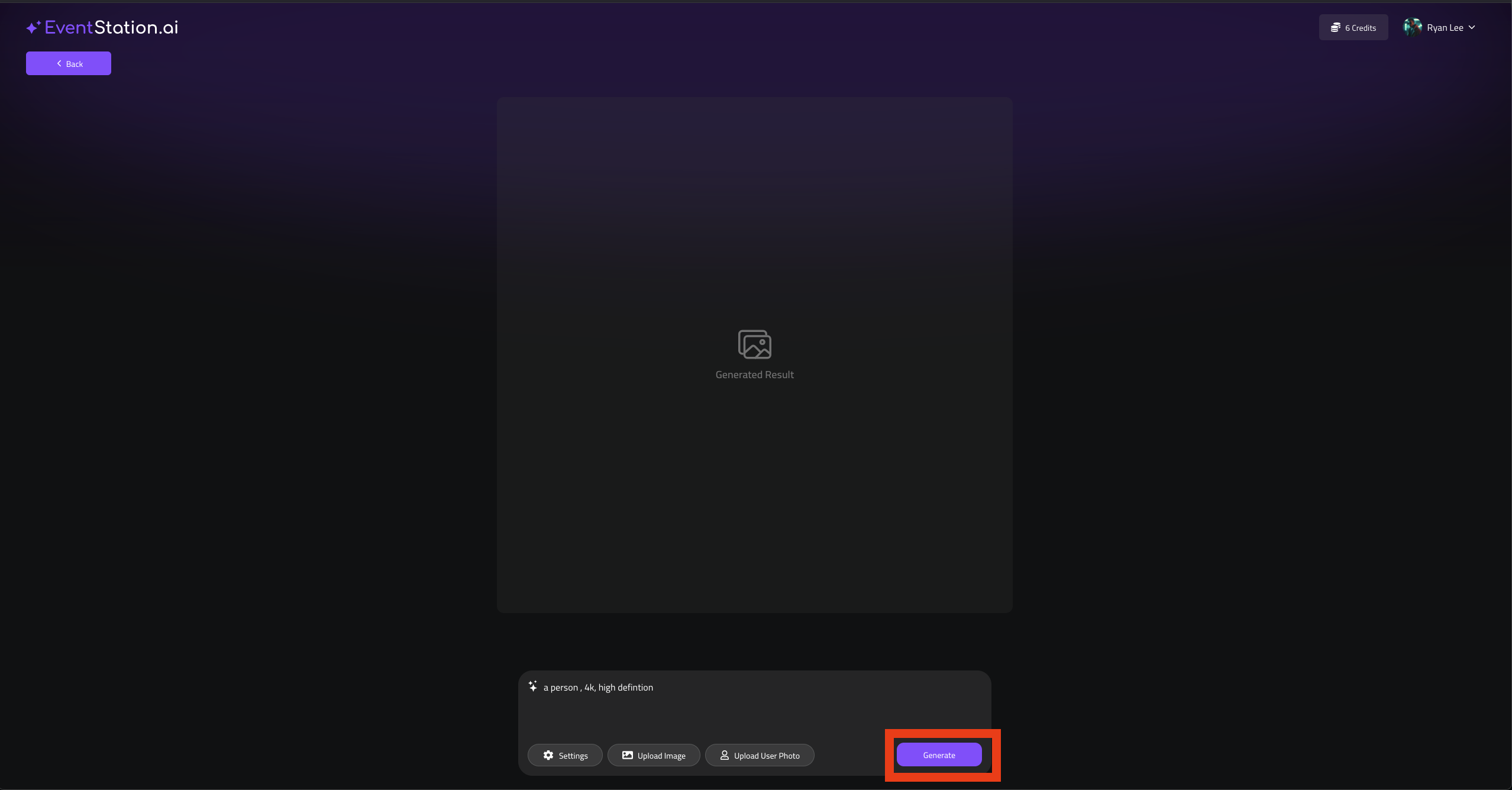
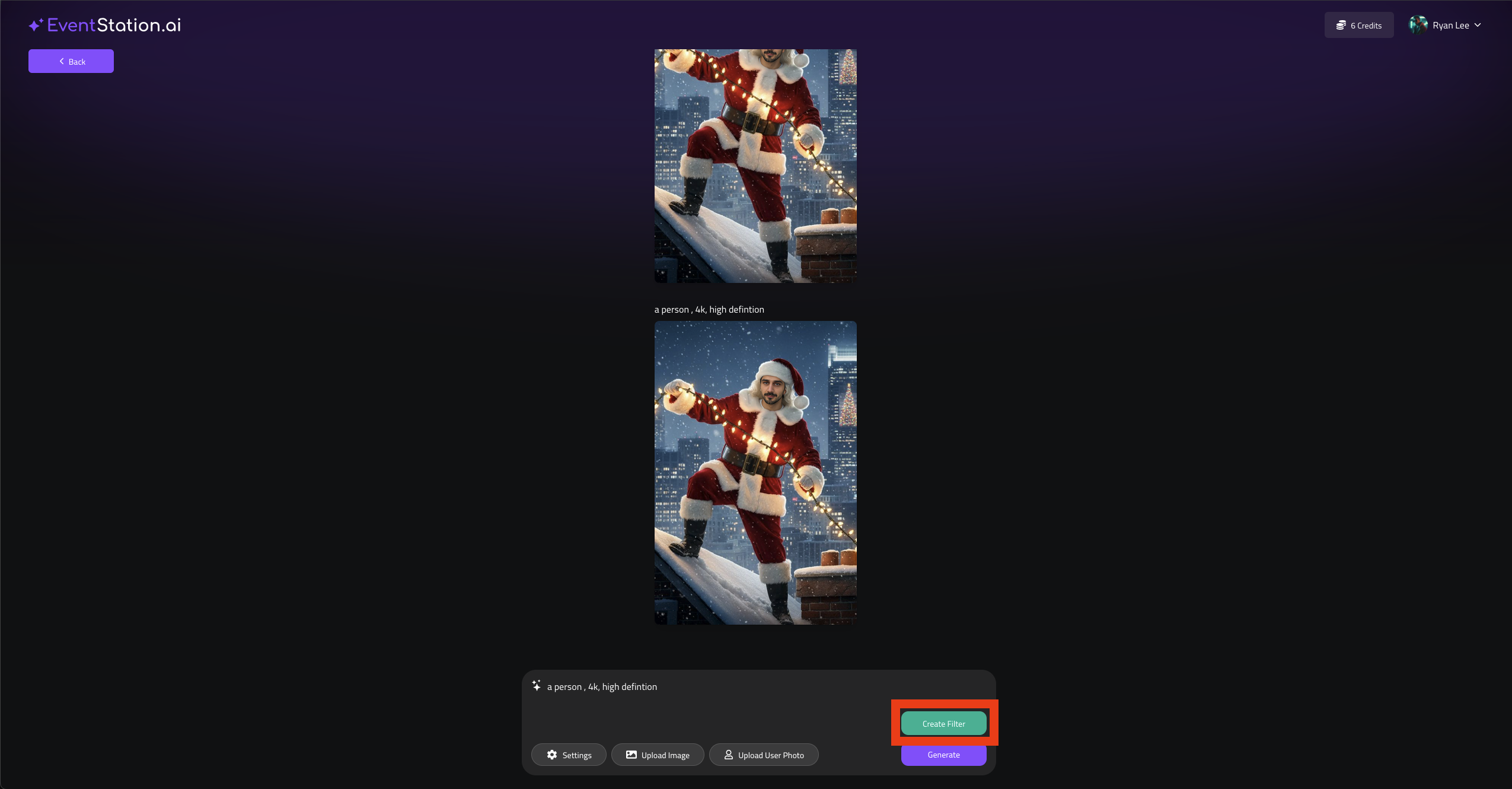
7. Hit Generate
8. If you are satisfied with the result, Hit Create Filter
9. Provide a Project Name, a Description and a Preview Image
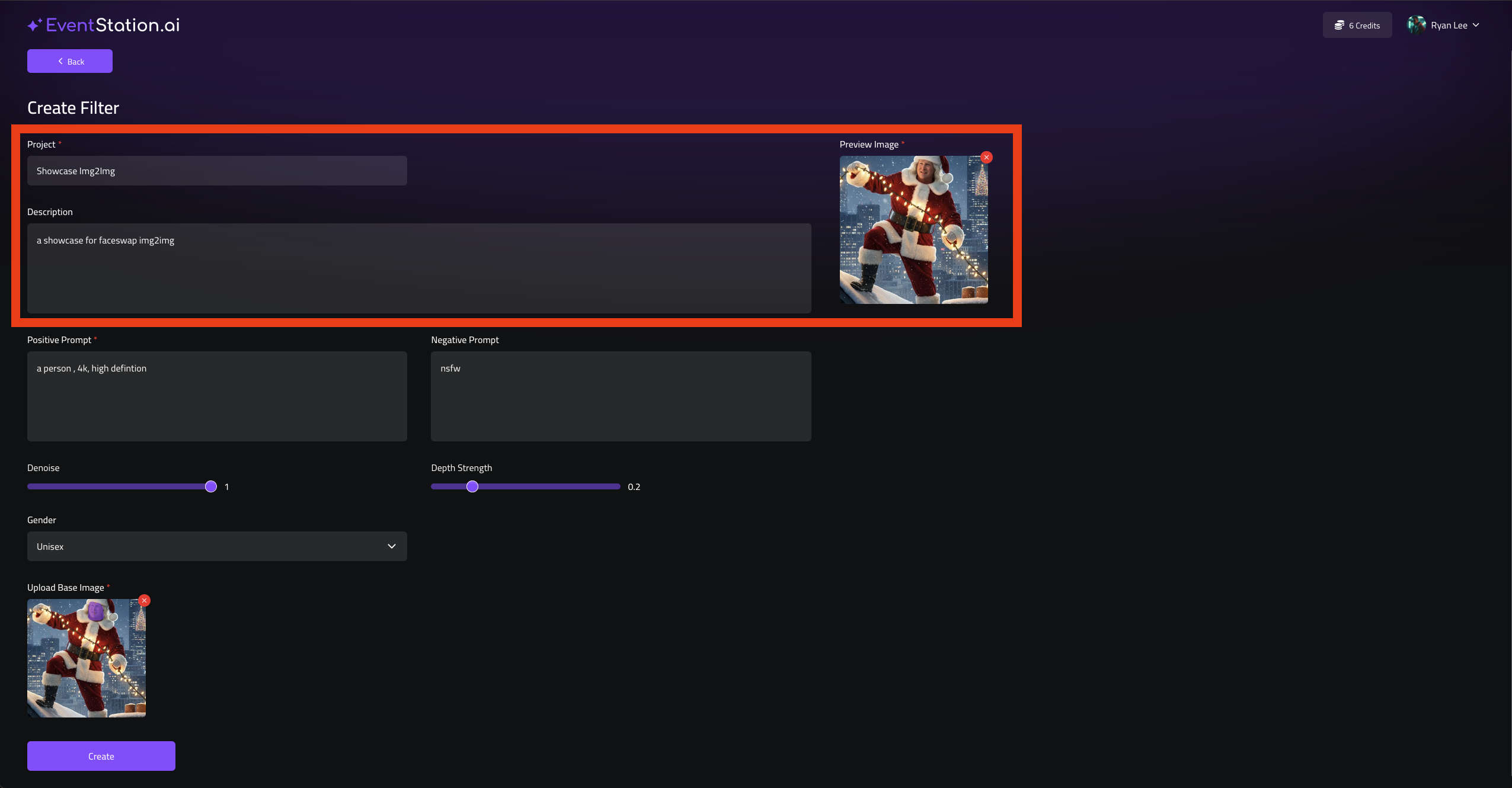
10. If everything is set hit Create