Multiswap Stylized txt2img
This section is about using the Filter Creator to create Multiswap Filters
Multiswap Stylized
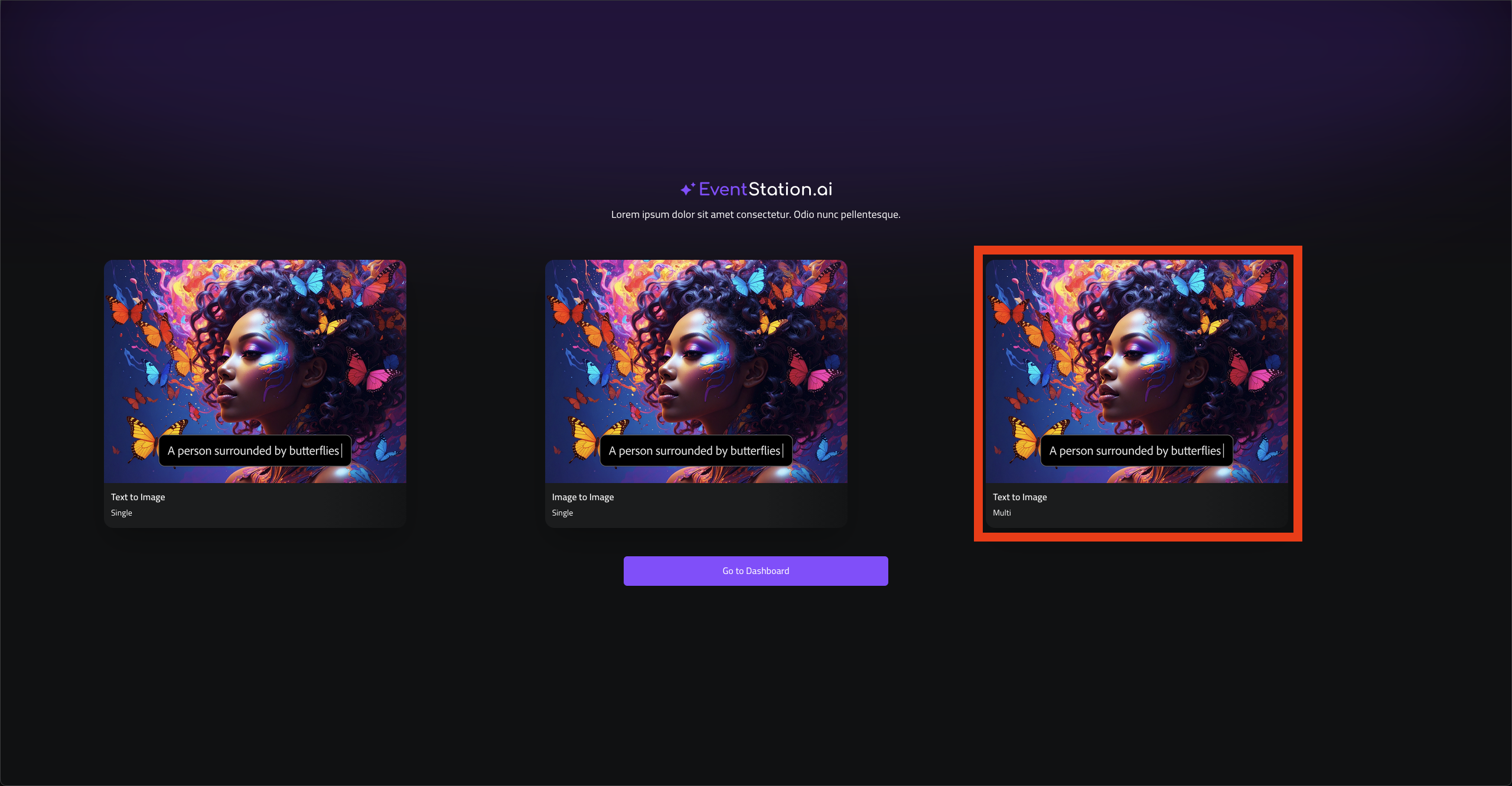
1. Go to filter-creator.eventstation.ai and Select Text to Image (Multi)
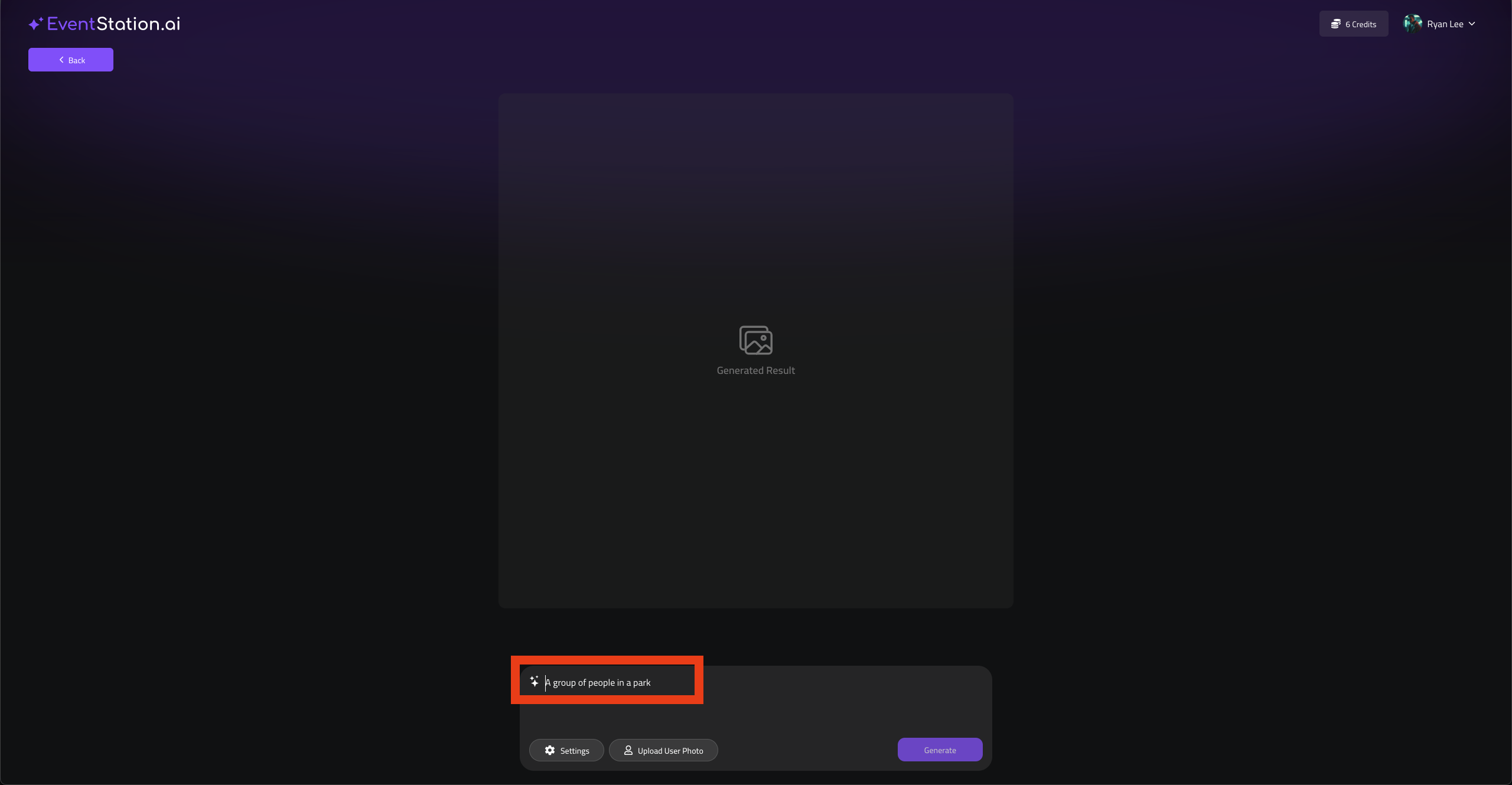
2. Enter a prompt
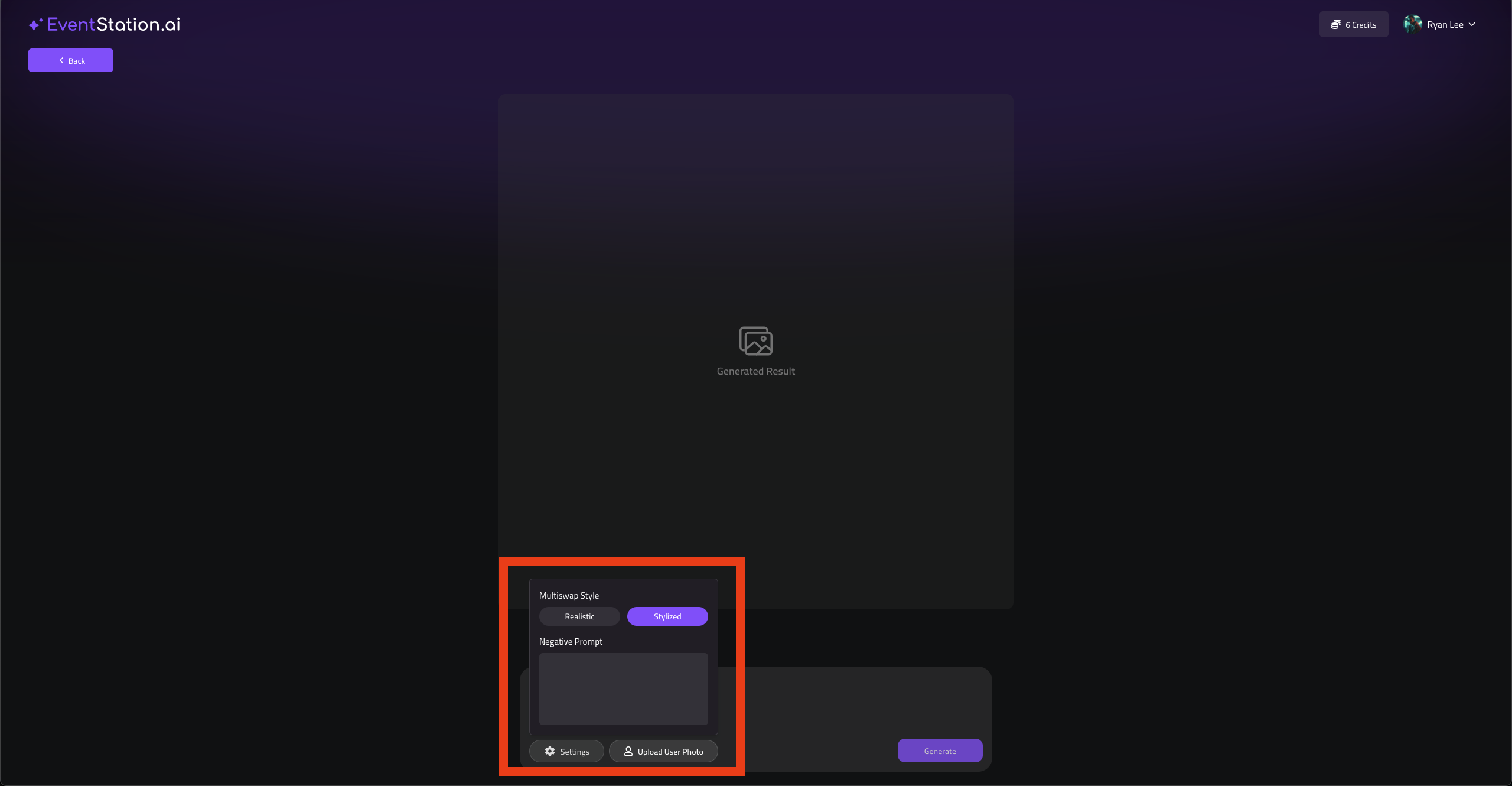
3. In your Settings, choose “stylized” and add a negative prompt
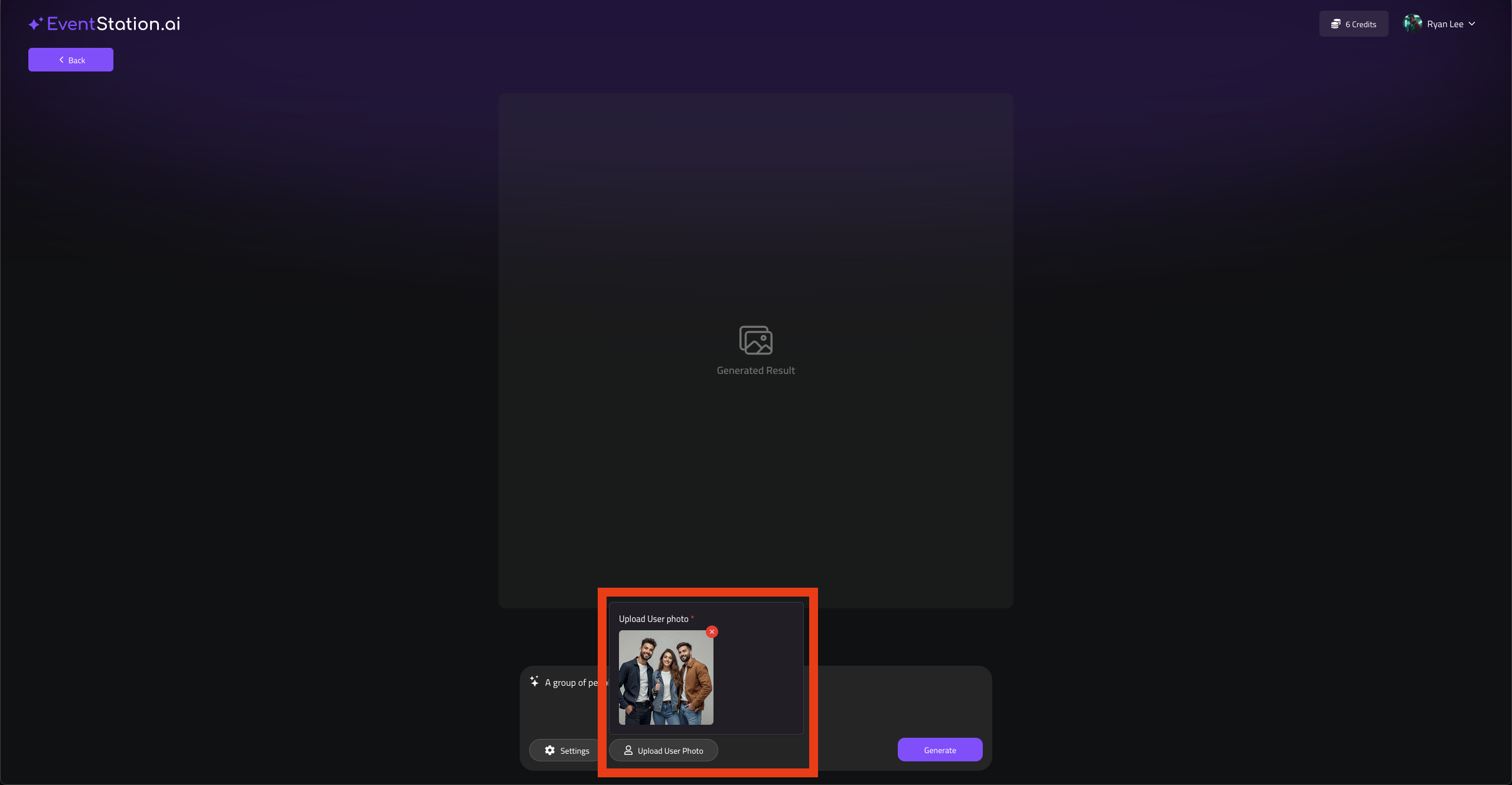
4. Upload a User Input Image
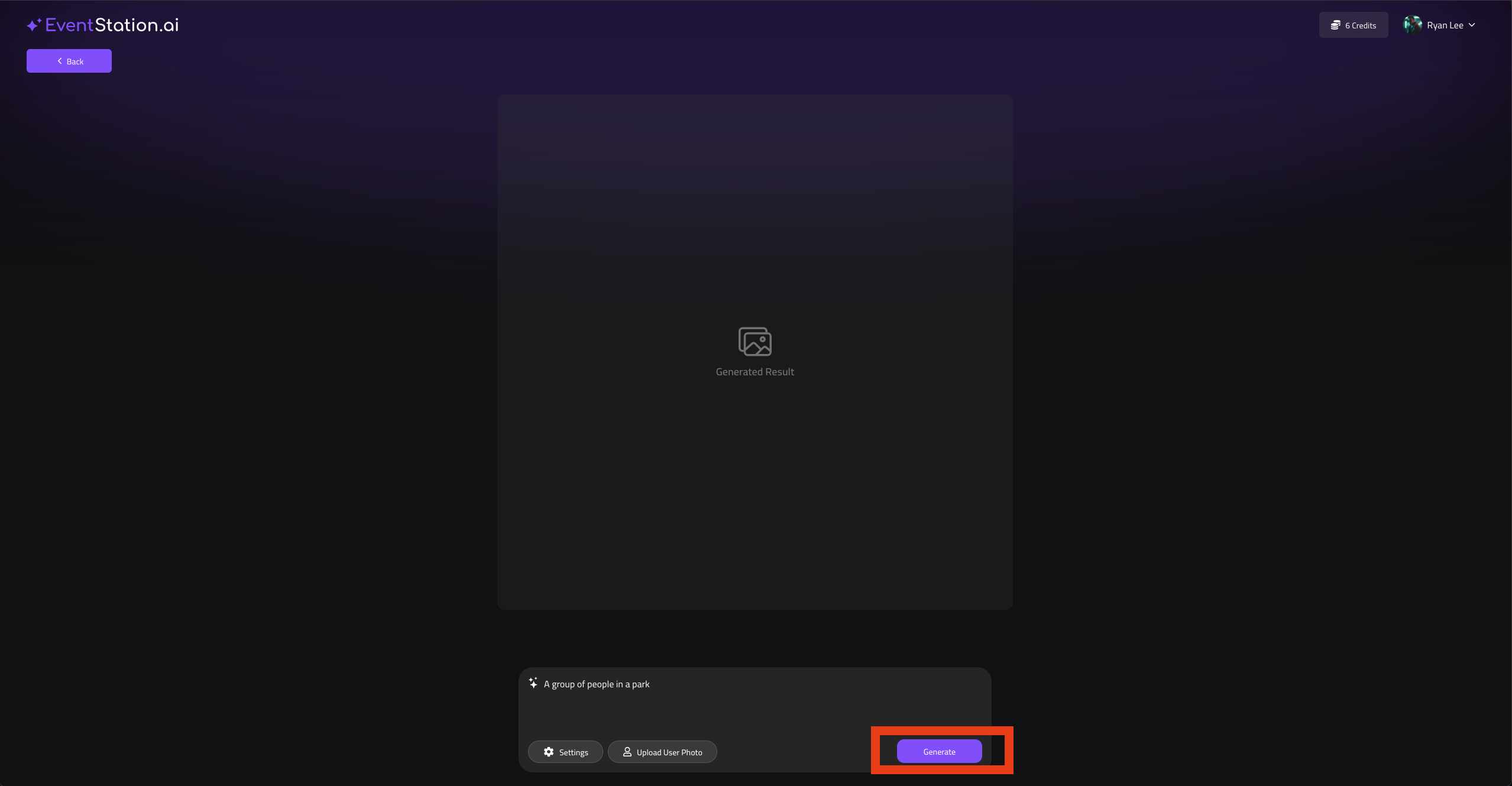
5. Hit Generate
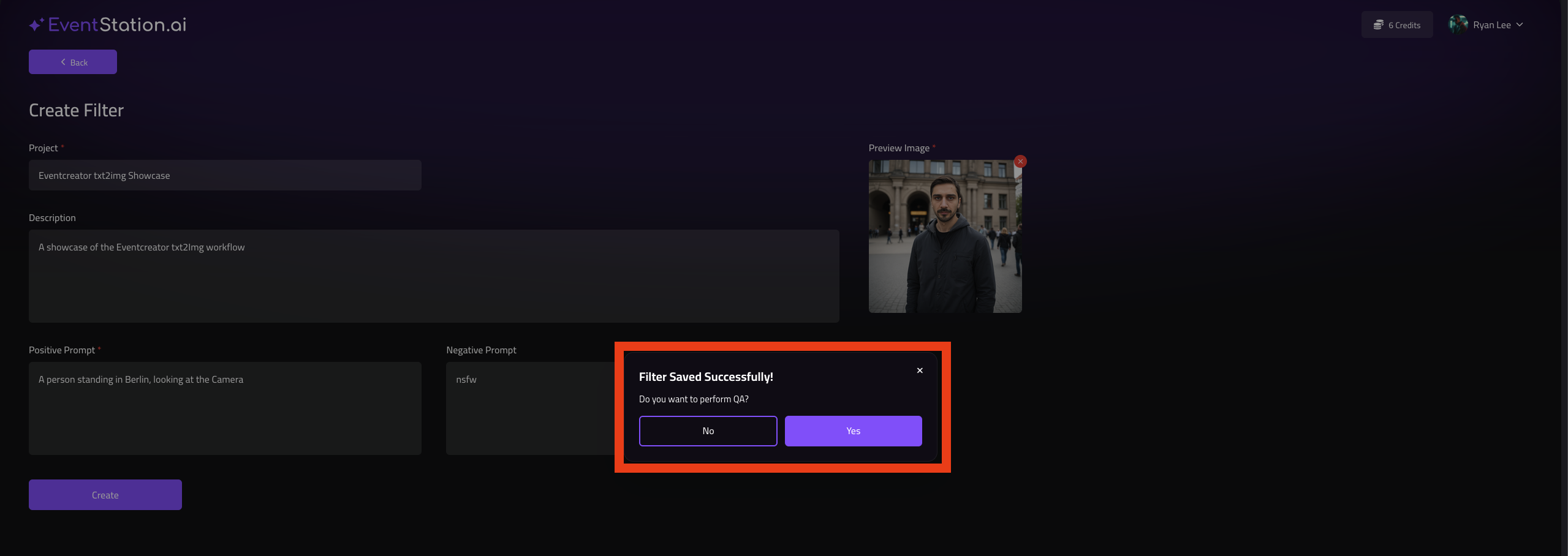
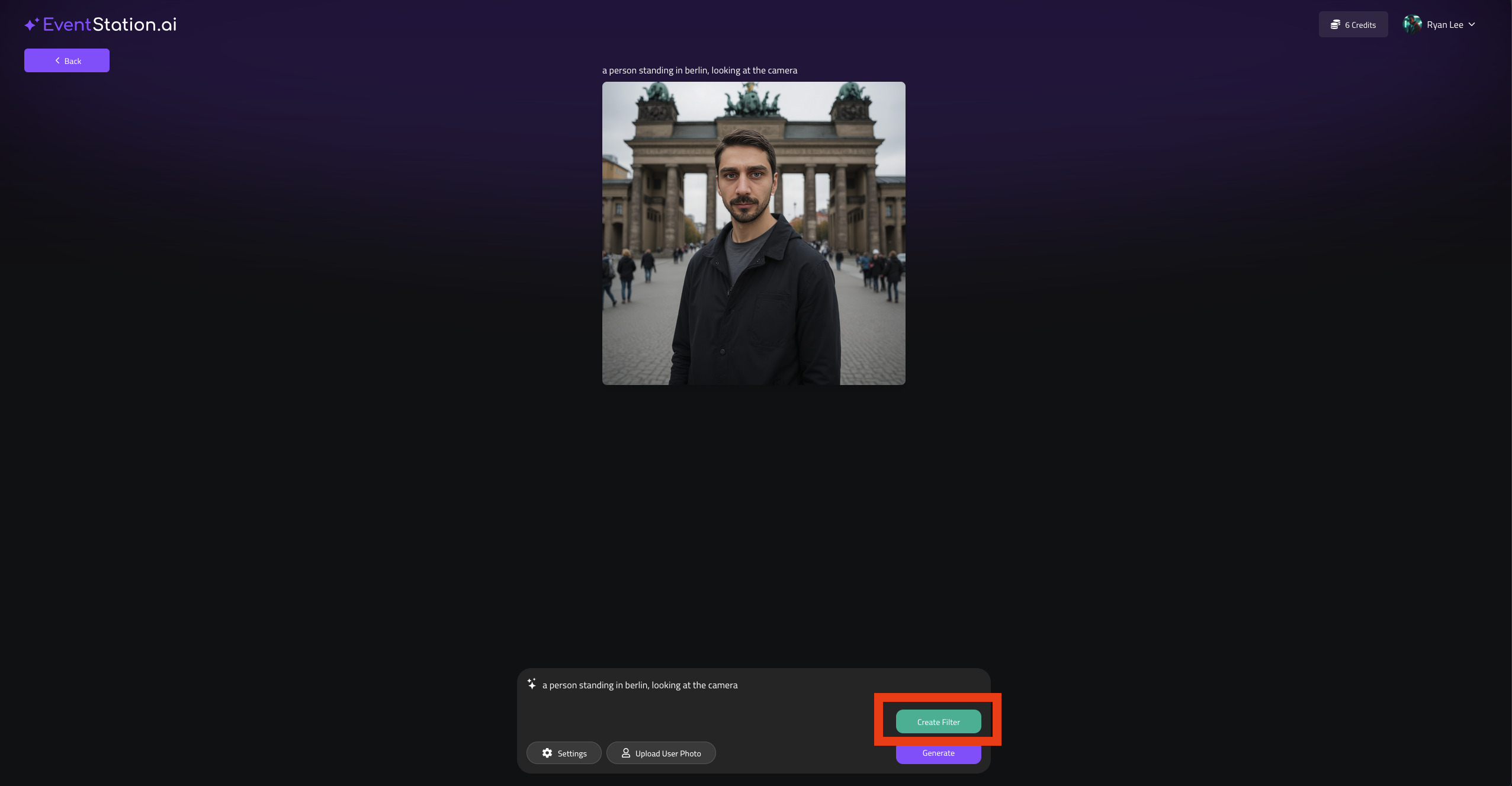
6. Generate Images until you are satisfied with. you prompt, then hitCreate Filter
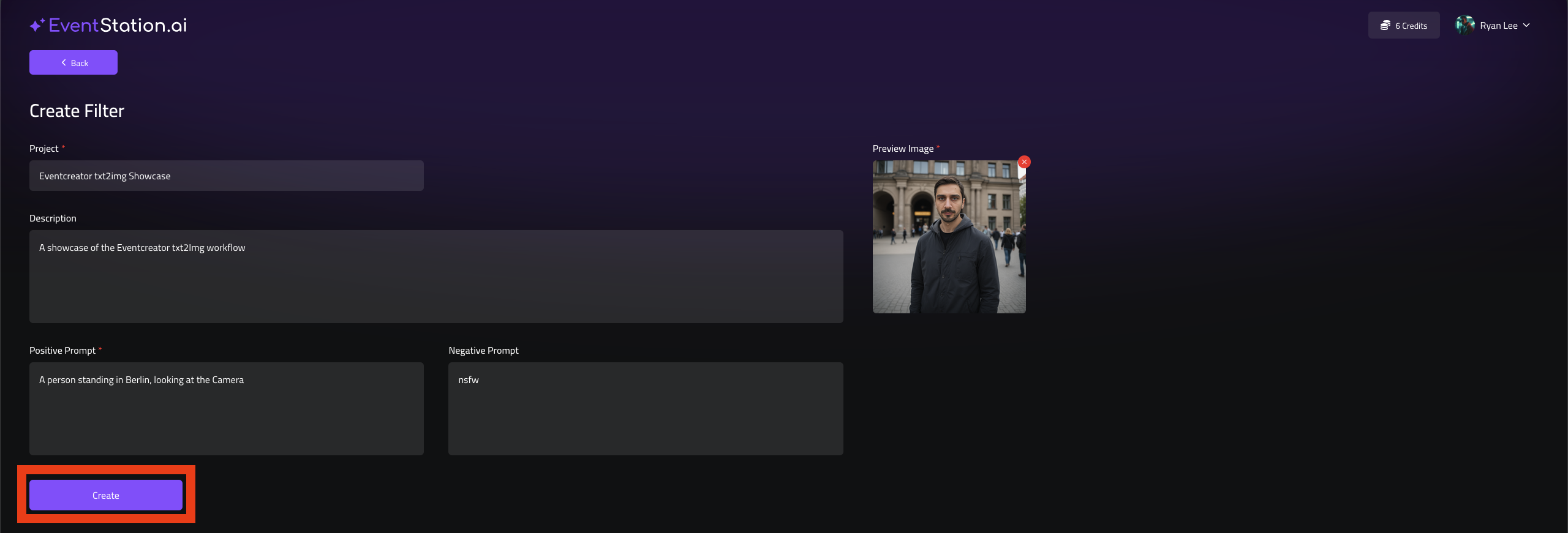
7. On the next Screen add a Project Name, a Description and a Preview Image
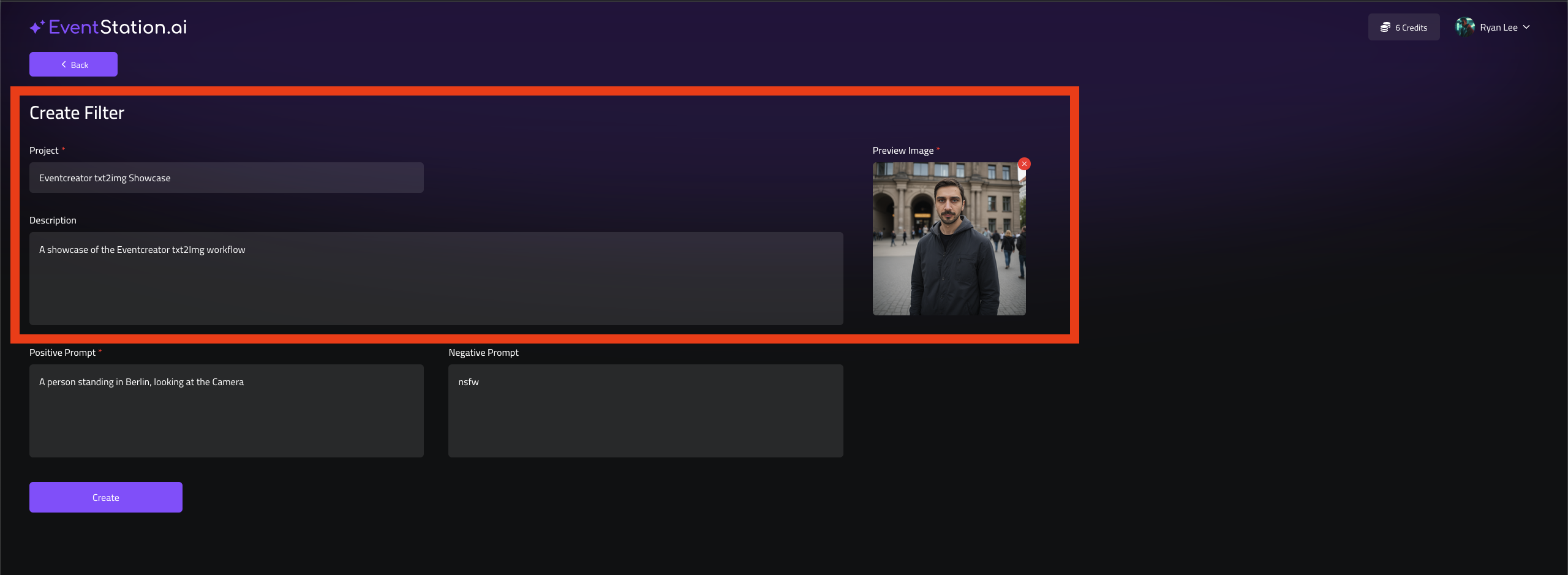
8. If everything is uploaded, hit the Create Button
9. After this, please Hit Yes, to start a QA-Test