WebApp Help Center > Webapp Account & Billing
How can I top up my credits?
If you run out of credits, you can easily purchase more directly in your account.
- Open Your Account
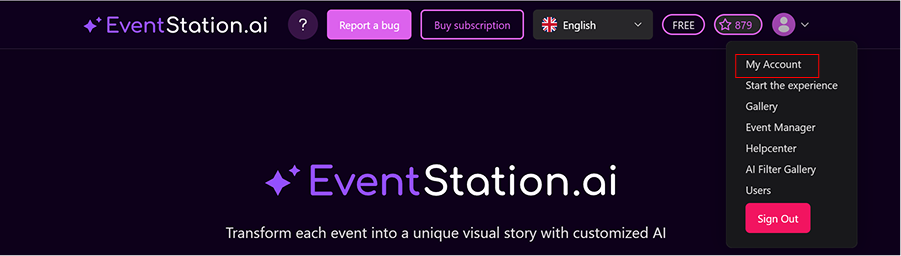
From the home screen, click on your profile icon in the top right corner. Then select “My Account.”
- Top Up Credits
Inside your account, Choose your preferred top-up credit package and click the "Buy Now" button.
You’ll be redirected to our secure payment provider, Stripe. - Complete the Purchase
Fill out your payment details and confirm your purchase. Once the payment is successful, the new credits will automatically be added to your balance and are ready to use immediately.