Prompting & Masking Guide Img2Filter: Faceswap V5
In this chapter you learn, how to:
- How to Prompt Img2Filter (Faceswap V5)
- How to Mask
- Advanced Settings for Faceswap V5
- Masking Options & Example Prompts for V5
How to Prompt Img2Filter (Faceswap V5)
V5 uses descriptive prompts that match the base image. Focus on visual details and style, while keeping the scene aligned with the reference image.
Example prompt (realistic):
photo of confident person in action movie style wearing jungle outfit, angry expression, looking at the camera, cinematic lighting, high quality
Example negative prompt:
helmet, hat, sunglasses, weapon
Do’s for Prompting:
- Keep prompts clear and concise
- Match the prompt to the base image
- Use negative prompts to remove unwanted elements
- Avoid changing the camera perspective or pose
- Use keywords (lighting, style, mood)
Don't Promp:
Always align your prompt with what is already visible in the base image.
-
Indirect phrasing
-
❌ astronaut without helmet
- ✅ astronaut + negative: helmet
- Too many ideas in one prompt
- Changing camera angle drastically from base image
How to Mask:
- Masks should be rough, general shapes
- Avoid tracing the subject exactly
- Keep it loose and soft-edged so filters can adapt to different body types and poses
- The goal is to define a general region, not a precise cutout
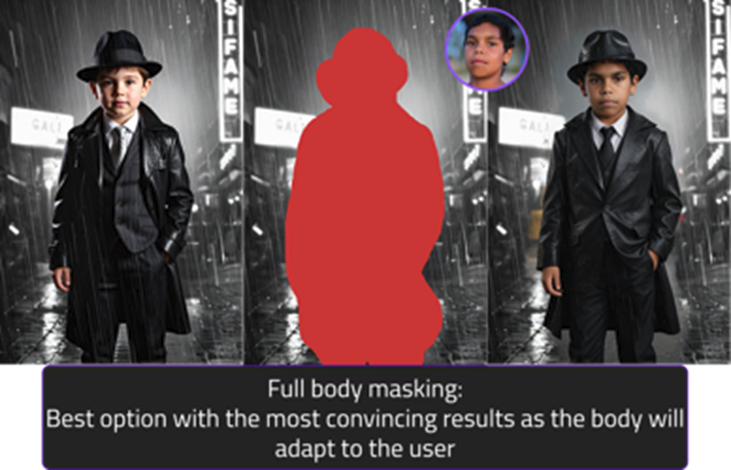
Advanced Settings for Faceswap V5:
Denoise strength (0–1.0)
Controls how much the output deviates from the input image.
· Values 1-0.7 → average changes (recommended)
· Lower values preserve more original detail but likness of user can be too low
Depth strength (0–1.0)
Controls how strictly shape/pose is maintained.
· Very high values (0.7–1.0) reduce flexibility
· Recommended: 0.2–0.4
Hand deformity fixes
If results show hand issues:
· Slightly lower denoise (but not below 0.5)
· Increase depth strength
· Use input images with gloved or partially obscured hands
Masking Options & Example Prompts for V5:
| Category | Example 1: Fully Body Mask | Example 2: only mask Skin & Head | Example 3: only mask Head |
|---|---|---|---|
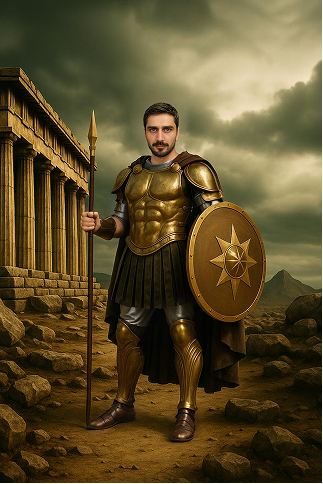
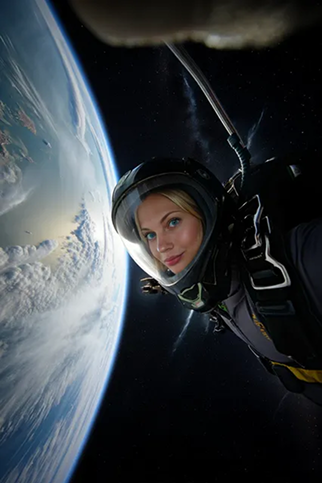
| Masking Reasoning | Full body mask since no necessary details on the body need to stay identical (e.g., no jersey or fixed outfit elements). | The body fits well in the scenery and appears unisex, therefore no full body mask required (=head + visible skin areas) | The armor must stay identical, therefore only visible skin areas are masked. If this filter should support females/children, additional base images are required. |
| Prompt V5 | photo of confident person in action movie style, wearing a dirty grey tank top and jungle attire, angry expression, looking at the camera, high quality | photo of a confident person, confident expression, looking at the camera, high quality | photo of a confident person wearing a astronaut helmet, focused expression, looking at the camera, high quality, 16k, |
| Benefit | All Users have different clothes and slightly different poses. | The armor stays exactly the same | Due to the perspective no other |
| Input image | 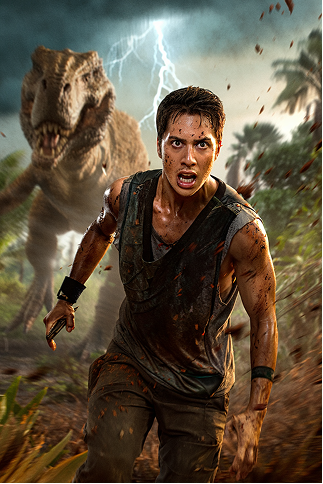 |
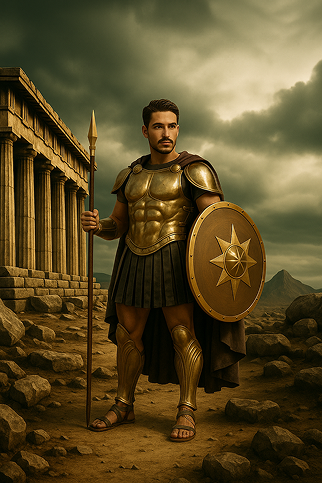 |
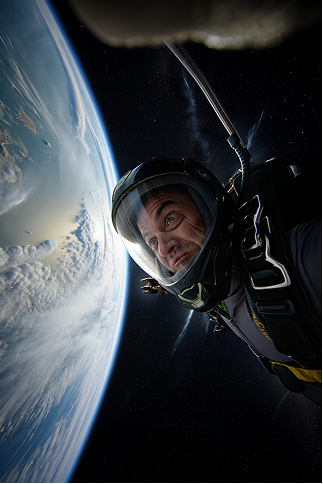 |
| Example for Mask | 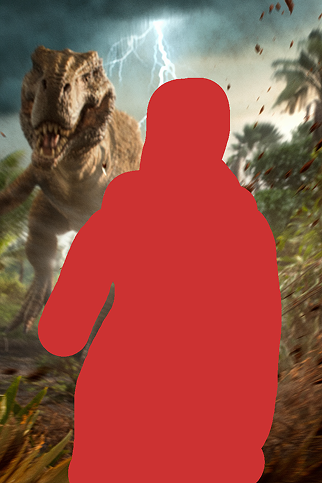 |
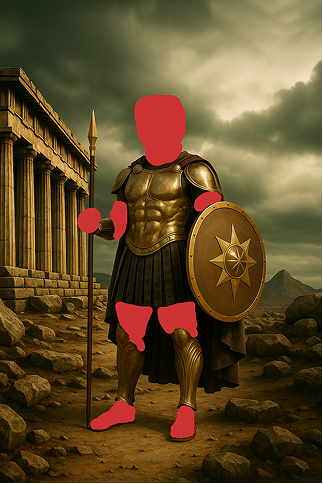 |
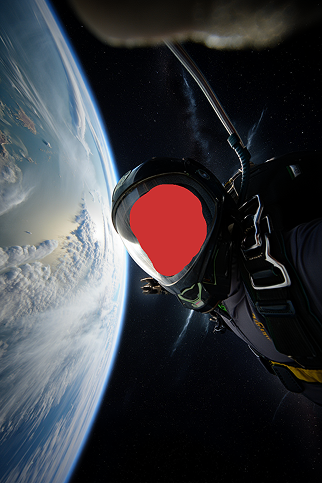 |
| Result V5 | 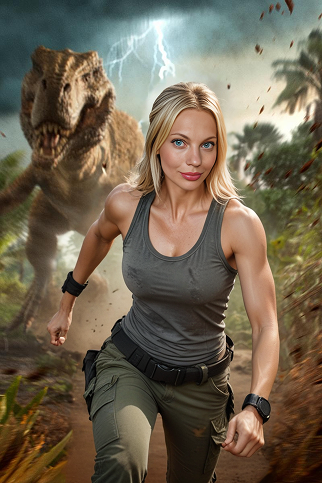 |
 |
 |